
In 2025, wireless audio is everywhere. You can find it on the train or in your living room. The big question is Bluetooth 5.4 vs Wi-Fi 7. Which one gives you better sound and fewer headaches?
Both look impressive on paper. Bluetooth 5.4 has LE Audio and better power efficiency. Wi-Fi 7 has huge bandwidth and low latency. But, which one works best with your devices?
This guide focuses on real-world use. We compare latency, audio quality, range, battery life, and setup complexity. This helps you choose the right technology for:
- Everyday listening with headphones and earbuds
- Home theatre and multi-room speaker systems
- Gaming and low-lag streaming
- Professional and “audiophile” listening
Think of this article as your 2025 wireless audio roadmap. Start with the quick verdict below, then dive into the details if you want more.
Quick verdict: which wireless tech “wins” in 2025?
If you just want the short answer, here it is:
For headphones, earbuds, and travel:Bluetooth 5.4 is the winner. It’s great for low power and simple pairing. LE Audio and the LC3 codec offer better quality and longer battery life.
For home theatre, multi-room audio, and big systems:Wi-Fi 7 is the winner. It’s perfect for streaming movies and TV across several rooms. It’s great for high-resolution audio and video.
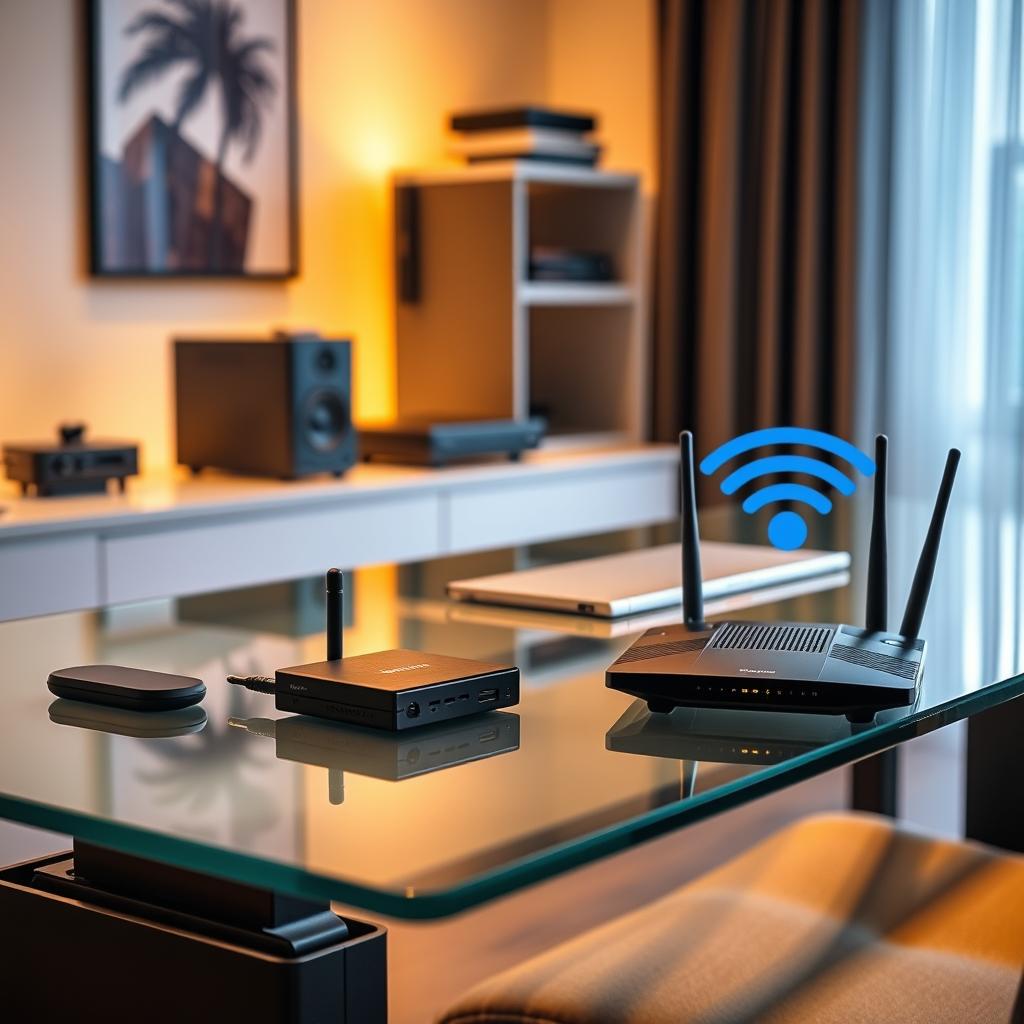
For most people in 2025:You’ll use both. Bluetooth 5.4 for your phone, earbuds, and portable speakers. Wi-Fi 7 for your router, TV, and main speakers.
Simple rule of thumb:If it’s small and battery-powered → choose Bluetooth 5.4 / LE Audio.If it’s big and needs lots of data → choose Wi-Fi 7.
In the rest of this guide, we’ll explain why this verdict makes sense. You’ll see how each standard wins in different areas. You’ll also get examples for different setups.
1. Wireless audio in 2025: the current landscape
By 2025, most devices come with Bluetooth and Wi-Fi. They’re not competing for the same job. Bluetooth is for personal devices, while Wi-Fi is for whole-home systems.
- Bluetooth 5.4: short-range, low-power links for personal devices like earbuds, headphones, wearables and portable speakers.
- Wi-Fi 7: high-capacity, whole-home networking for TVs, consoles, streamers, multi-room audio and smart home gear.
You probably already use both. Bluetooth for quick pairing and portable listening, Wi-Fi for your home network. The goal is to understand where each standard improves your audio experience.
Bluetooth 5.4 is great for devices you wear or carry. Wi-Fi 7 is better for home theatre and multi-room audio.
2. Bluetooth 5.4 and LE Audio: What Actually Matters
Bluetooth 5.4 with LE Audio is a big upgrade. It uses Bluetooth Low Energy for audio and adds a smarter codec. This unlocks new features like multi-stream listening and shared broadcasts.
2.1 LE Audio in plain English
Traditional Bluetooth audio uses “Classic” Bluetooth. It works, but it’s not made for today’s audio world. LE Audio uses low-energy Bluetooth, like for sensors and wearables.
This change brings three big benefits:
- Better efficiency: devices use less power, so batteries last longer.
- More flexibility: one transmitter can send audio to many devices at once.
- New use cases: like hearing aids, public audio, and better earbuds.
2.2 The LC3 codec: cleaner sound from the same battery
The LC3 codec is at the heart of LE Audio. It makes sound clearer at lower bitrates than old SBC codec.
For listeners, this means:
- Voice calls and podcasts sound clearer.
- Music keeps more detail at normal Bluetooth quality.
- Devices can last longer or sound better at similar battery life.
LC3 won’t make cheap earbuds sound like studio monitors. But it makes older Bluetooth audio sound cleaner.
2.3 Multi-stream audio and Auracast
LE Audio changes how devices connect, not just sound. Two features matter most in 2025:
- Multi-stream audio: Bluetooth 5.4 sends audio to both earbuds at once. This makes audio more stable and opens up new audio setups.
- Auracast broadcast audio: one transmitter can send audio to many listeners. You can choose the stream on your earbuds or hearing aids.
Auracast won’t be everywhere right away. But choosing LE Audio-capable devices is a good idea. More places will add these options soon.
2.4 What Bluetooth 5.4 means for real users
Bluetooth 5.4 is like a quieter, more efficient version of Bluetooth you know.
- For earbuds and headphones: better stability, fewer dropouts, and more time per charge.
- For phones and laptops: easier pairing and a clearer upgrade path for LE Audio accessories.
- For hearing aids and accessibility: better sound and access to public Auracast streams.
What hasn’t changed is just as important:
- Bluetooth 5.4 is still for personal use, not for powering a whole house.
- Real benefits need both sides supporting LE Audio and LC3.
Bluetooth 5.4 is a big step for personal audio. But it doesn’t replace Wi-Fi 7. Wi-Fi 7 handles heavy tasks at home, while Bluetooth 5.4 is for personal use.
3. Wi-Fi 7 for Audio Streaming: Premium Performance Unleashed
Bluetooth 5.4 is like a friendly, low-power link in your pocket. Wi-Fi 7 is like the strong backbone of your home. It moves lots of data fast and low delay, great for 4K/8K streaming and more.
3.1 What Wi-Fi 7 changes for audio
Old Wi-Fi could handle music and video. Wi-Fi 7 makes big changes for audio in three ways:
- Much more capacity: It can carry more streams at once, like TV, phone, and smart speakers.
- Lower and more stable latency: It reduces delay and jitter, keeping audio and video in sync.
- Improved performance in busy homes: It’s made for homes with lots of devices sharing the same airwaves.
3.2 Why this matters in living rooms and studios
Old Wi-Fi could cause pauses and buffering. Wi-Fi 7 gives you more room for streaming. It’s great for:
- Streaming high-resolution music to many speakers.
- Watching 4K/8K video while gaming online.
- Running multi-room audio across a mesh system.
Wi-Fi 7 needs a good router and hardware to work well. It’s better than older standards for demanding setups.
3.3 Where Wi-Fi 7 is not a magic bullet
Wi-Fi 7 isn’t perfect for everything:
- It uses more power than Bluetooth, not good for tiny devices.
- You need router and devices that support Wi-Fi 7 for the best results.
- Signal quality still depends on placement, walls and interference.
Think of Wi-Fi 7 for fixed gear like TVs and smart speakers. Bluetooth is better for what you wear and carry.
3.4 Quick summary: Wi-Fi 7 for audio
- Best for: home theatre, multi-room speakers, streaming boxes, consoles and PCs.
- Strengths: capacity, stability under load, better latency for heavy use.
- Weaknesses: power draw, dependency on router placement and overall network design.
Knowing Wi-Fi 7 and Bluetooth 5.4’s strengths helps choose the right tech for your setup. Compare them on lag, sound, distance, and reliability.
4. Bluetooth 5.4 vs Wi-Fi 7: Latency, Quality, Range & Reliability
To pick the right wireless tech, compare them on lag, sound, distance, and stability.
High-level comparison of Bluetooth 5.4 and Wi-Fi 7 for audio use in 2025.
| Aspect | Bluetooth 5.4 / LE Audio | Wi-Fi 7 |
|---|---|---|
| Typical use | Headphones, earbuds, wearables, portable speakers | TVs, consoles, streamers, multi-room speakers, PCs |
| Latency | Low enough for casual video and mobile gaming | Lower and more stable for whole systems and multi-room |
| Audio quality | LC3 improves clarity at everyday bitrates | Easily handles lossless / hi-res streams |
| Range | Short-to-medium, room scale | Home scale with proper router / mesh |
| Power use | Optimised for small batteries | Higher; best for plugged-in or larger devices |
| Setup | Simple pairing; personal link | Router-based; more complex but covers more devices |
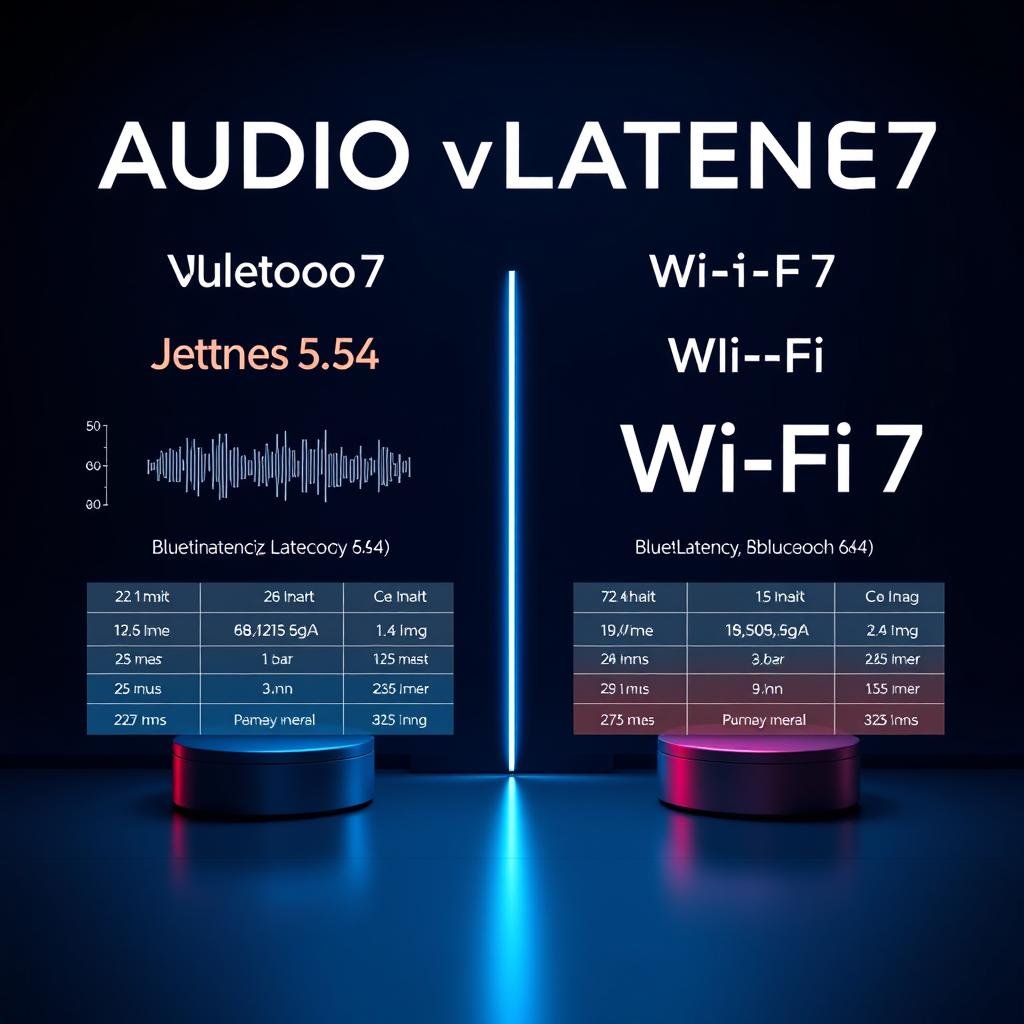
4.1 Latency (lag) and lipsync
Bluetooth 5.4 with LE Audio cuts down on lag. It’s fine for watching videos on phones or tablets. Most people won’t notice lip-sync problems.
Wi-Fi 7 is better for tight sync with more devices and rooms. It’s great for home theatre and streaming boxes. It keeps audio steady, especially with a good network.
4.2 Audio quality and bitrate
LC3 makes sound clearer at lower bitrates than older codecs. But, high-end Bluetooth might offer hi-res modes. It depends on the device and headphones.
Wi-Fi 7 can handle lots of data. It’s easy to stream lossless and high-res audio. The limit is your streaming service, DAC, and speakers, not the network.
In simple terms:
- Bluetooth 5.4: great for portable listening and everyday use. It’s “hi-fi enough” for most.
- Wi-Fi 7: perfect for serious speakers and AV systems. It’s ideal for lossless or multi-room hi-res audio.
4.3 Range and coverage
Bluetooth 5.4 is for short-to-medium range. It’s good for your phone and earbuds or a laptop and headphones. You can move around a small apartment, but walls and interference limit range.
Wi-Fi 7 can cover entire homes. It’s great for playing the same music in different rooms. It’s perfect if your TV and router are far apart.
4.4 Reliability and interference
Both standards share radio bands with many devices. In practice:
- Bluetooth 5.4 uses hopping and design improvements to avoid interference. But, you might still see glitches in very crowded 2.4 GHz areas.
- Wi-Fi 7 has tools to manage traffic. It keeps audio streams stable, even when the network is busy.
Upgrading the Wi-Fi layer often fixes dropouts on wireless speakers. It’s a bigger improvement than swapping Bluetooth speakers.
5. Best Choice by Use Case: Where Each Standard Wins
It’s simpler to pick a standard based on how you use it. Let’s see how Bluetooth 5.4 and Wi-Fi 7 do in everyday life
5.1 Headphones, earbuds and commuting
Winner: Bluetooth 5.4 / LE Audio
- Optimised for low power and compact batteries.
- Fast pairing from phone or laptop, no need for a network.
- Good enough latency for video and casual gaming on mobile.
Wi-Fi 7 doesn’t really belong here – most people don’t want their earbuds acting like tiny network clients.
5.2 TV, movies and streaming boxes
Winner: Depends on your setup
- Solo watching with headphones → Bluetooth 5.4 is simple and convenient.
- Soundbar plus rear speakers → Wi-Fi or proprietary 5 GHz links from the TV or receiver usually give better sync and fewer cables.
- Multiple viewers in the same room → Wi-Fi-based systems or future Auracast broadcast setups can serve several listeners more cleanly than basic Bluetooth pairing.
5.3 PC and console gaming
Winner: Wi-Fi 7 (network) + low-latency audio path
For competitive gaming, you want the lowest possible lag. That normally means:
- Wi-Fi 7 or wired Ethernet for the game data.
- Wired or low-latency wireless headsets, sometimes using proprietary 2.4 GHz dongles instead of standard Bluetooth.
Bluetooth 5.4 is fine for relaxed gaming, but serious players will still gravitate to setups that minimise every millisecond between action and sound.
5.4 Multi-room audio and whole-home setups
Winner: Wi-Fi 7
Moving synchronised audio through several rooms, sometimes alongside video, is exactly the kind of load Wi-Fi 7 is built to handle. A good router or mesh system plus capable speakers will always scale better than trying to stretch Bluetooth beyond its comfort zone.
Once you know Wi-Fi 7 is the right backbone for whole-home listening, the next step is planning your rooms and zones. For a step-by-step walkthrough, see our full guide How to Set Up a Multi-Room Audio System in 2025, where we cover planning, wiring, speaker placement and app setup in more detail.
If you already have a solid Wi-Fi network and just need speakers that play nicely with it, check out our roundup Best Wireless Multi-Room Speakers 2025 for Home Audio to compare real products that fit small apartments, larger homes and everything in between.
5.5 Outdoor and travel speakers
Winner: Bluetooth 5.4, with Wi-Fi support as a bonus at home
For picnics, beach trips and travel, Bluetooth wins on simplicity and portability. If a speaker also supports Wi-Fi, you can treat that as an extra perk for home use – but Bluetooth remains the backbone for truly mobile listening.
Choose Bluetooth 5.4 for on-the-go listening and Wi-Fi 7 for big screens, consoles and multi-room speakers.
6. How to Choose Future-Proof Audio Gear in 2025
You don’t have to become a wireless engineer to buy smart. Focus on a few key labels and features, and you’ll avoid most dead-end choices.
6.1 For headphones and earbuds
- Look for Bluetooth 5.3 or 5.4 with explicit mention of LE Audio or LC3 codec support.
- Check whether they support multi-point (easy switching between phone and laptop).
- If possible, confirm that your phone or laptop also supports LE Audio so you can use the newer features.
6.2 For soundbars, AV receivers and speakers
- Prioritise strong Wi-Fi performance and stable app support.
- If you’re investing for several years, a device ready for modern Wi-Fi standards is a safer bet than one that only offers basic 2.4 GHz support.
- Check for multi-room support if you plan to add speakers later.
6.3 For routers and home networks
- If your home is busy with streams, calls and smart devices, consider planning a step up to Wi-Fi 7 over the next upgrade cycle.
- Even before that, good placement, a mesh system and sensible channel choices often matter more than the logo on the box.
The main idea: buy Bluetooth gear that supports LE Audio going forward, and build your home around a solid, modern Wi-Fi network. That combination will age far better than overspending in one area while ignoring the other.
7. Setup Tips to Reduce Lag and Dropouts
Choosing the right standard is half the story. A few simple tweaks can make your existing gear feel noticeably smoother and more responsive.
7.1 Better results with Bluetooth 5.4
- Keep your phone or source device nearby – pocket, desk or bag, not across the room behind walls.
- Avoid stacking your phone on top of USB 3.0 hard drives or hubs, which can cause interference.
- Update firmware on both devices if an app offers it; many stability fixes arrive quietly this way.
- When possible, choose LE Audio / LC3 profiles over legacy modes in advanced Bluetooth settings.
7.2 Cleaner audio over Wi-Fi 7 and earlier
- Place your router in a more central, open location, not hidden in a cupboard or behind the TV.
- Use a mesh system or additional access point if some rooms have weak signal.
- Whenever you can, connect heavy hitters (TVs, consoles, some streamers) via wired Ethernet and save Wi-Fi for mobile devices and speakers.
- Check your router for basic quality-of-service (QoS) options and prioritise streaming or gaming traffic.
Small physical changes – moving a router, shifting a console from Wi-Fi to Ethernet, updating firmware – often bring more reliable audio than another round of hardware upgrades.
8. The Future of Wireless Audio: What’s Coming Next?
Standards never stand still. While Bluetooth 5.4 and Wi-Fi 7 are today’s focus, both ecosystems will keep evolving over the next few years.
On the Bluetooth side, expect LE Audio and Auracast to spread quietly. More airports, gyms and venues are likely to add broadcast audio, and more earbuds and hearing aids will support it. The result: fewer loud public TVs, more private, personal listening.
On the Wi-Fi side, router and device support for modern Wi-Fi features will become normal rather than special. As that happens, multi-room audio, streaming and gaming should feel less fragile and more like basic utilities that “just work” in the background.
The useful mindset is simple: buy gear that supports today’s mature features, not rumours about distant standards. Good Bluetooth 5.4 devices and a well-planned Wi-Fi network will serve you well for many years, even as new logos appear on boxes.
9. Conclusion: Building Your 2025-Ready Audio Setup
There’s no single “winner” between Bluetooth 5.4 and Wi-Fi 7. Each standard is strong in its own territory, and the best setups use both:
- Bluetooth 5.4 / LE Audio for personal, low-power listening on headphones, earbuds, wearables and portable speakers.
- Wi-Fi 7 (or a solid modern Wi-Fi network) for home theatre, multi-room speakers, consoles and serious streaming.
If you’re upgrading in 2025, focus on two questions:
- “What do I wear or carry every day?” – invest in comfortable, reliable Bluetooth gear that supports LE Audio where possible.
- “What stays plugged in at home?” – invest in a clean, stable Wi-Fi setup and speakers or components that can take advantage of it.
10. FAQs: Bluetooth 5.4 vs Wi-Fi 7 Audio
1. What is the main difference between Bluetooth 5.4 and Wi-Fi 7 for audio?
Bluetooth 5.4 is for short-range, low-power connections. It’s great for headphones, earbuds, and wearables. Wi-Fi 7 is for high-bandwidth, whole-home networking. It’s better for TVs, consoles, streamers, and multi-room speakers.
In most homes, you’ll use Bluetooth for what you wear. And Wi-Fi for what stays plugged in.
2. Is Bluetooth 5.4 with LE Audio good enough for high-quality music?
Yes, for most listeners. LE Audio and the LC3 codec offer cleaner sound. They have fewer artifacts than older Bluetooth setups.
If your phone and headphones support LE Audio, you’ll notice better connections. You’ll also hear a subtle but real clarity boost, especially for vocals and acoustic tracks.
3. Which is better for gaming: Bluetooth 5.4 or Wi-Fi 7?
For competitive or fast-paced gaming, Wi-Fi 7 is better. It has lower end-to-end latency and more consistent performance. Bluetooth 5.4 with LE Audio is okay for casual gaming on a phone or handheld.
But serious players prefer Wi-Fi plus a low-latency audio path or a wired headset.
4. Do I need a new router or phone to benefit from Wi-Fi 7 audio?
Yes, you need compatible hardware on both sides. For Wi-Fi 7’s full benefits, you need a Wi-Fi 7 router and devices that support it. This includes newer TVs, laptops, phones, or streaming boxes.
Older Wi-Fi gear will still work. But it won’t get the same latency and reliability improvements.
5. Will my old Bluetooth headphones work with Bluetooth 5.4 devices?
They will still connect and play audio. But they won’t get LE Audio or LC3 benefits if they lack the necessary hardware. Your new phone, laptop, or tablet will fall back to classic Bluetooth audio.
To enjoy the full upgrade, you need both a Bluetooth 5.4 / LE Audio source and LE Audio-capable headphones or earbuds.
6. What is Auracast and why should I care?
Auracast is a broadcast audio feature in LE Audio. It lets one transmitter share sound with many listeners at once. Think airport TVs, tour guides, classrooms, or gyms where you can “tune in” privately with your own earbuds or hearing aids.
Support will roll out over time. Choosing Auracast-ready devices now makes your gear more future-proof.
7. Can Bluetooth 5.4 and Wi-Fi 7 interfere with each other?
Both technologies often use similar frequency bands. Modern radios are designed to coexist. In busy environments, you may still notice occasional glitches, especially on crowded 2.4 GHz channels.
Good gear and a well-configured Wi-Fi network (or a mesh system) usually keep interference low. You won’t notice it in everyday use.
8. Which is better for multi-room speakers: Bluetooth 5.4 or Wi-Fi 7?
Wi-Fi 7 is better for multi-room audio. It can move more data to more speakers at once. It keeps streams in sync and handles other home traffic at the same time.
Bluetooth is ideal for a single portable speaker or a quick backyard session. But it’s not designed to run an entire multi-room setup.
9. Is Wi-Fi 7 overkill for a small apartment?
Wi-Fi 7 isn’t a must for small apartments. But, it’s good for many devices streaming at once. It also helps with fast gaming and 4K/8K videos.
If money is tight, a Wi-Fi 6 or 6E router and Bluetooth 5.4 headphones work great. They offer a top-notch experience.
10. How should I choose between Bluetooth and Wi-Fi when buying new audio gear?
Think about how you’ll use the device. For earbuds, gym headphones, or travel speakers, choose Bluetooth 5.4 / LE Audio. It’s best for on-the-go use.
For home use like TVs, soundbars, or multi-room speakers, go for strong Wi-Fi. Wi-Fi 7 is a plus for future-proofing your setup as you add more devices.